![LibDib-Logo-White.png]](https://help.libdib.com/hs-fs/hubfs/LibDib-Logo-White.png?height=50&name=LibDib-Logo-White.png)
You can add regular delivery instructions with ease in your LibDib account.
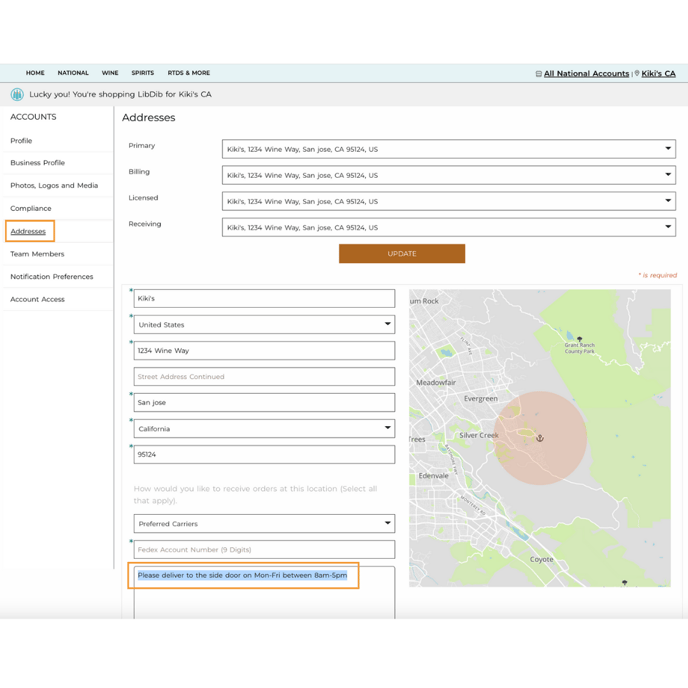
- Sign in to your LibDib account
- Click on the name in the top righthand corner of the screen
- Click on MY PROFILE
- Click on Addresses
- Fill in the Delivery Information section at the bottom of your address
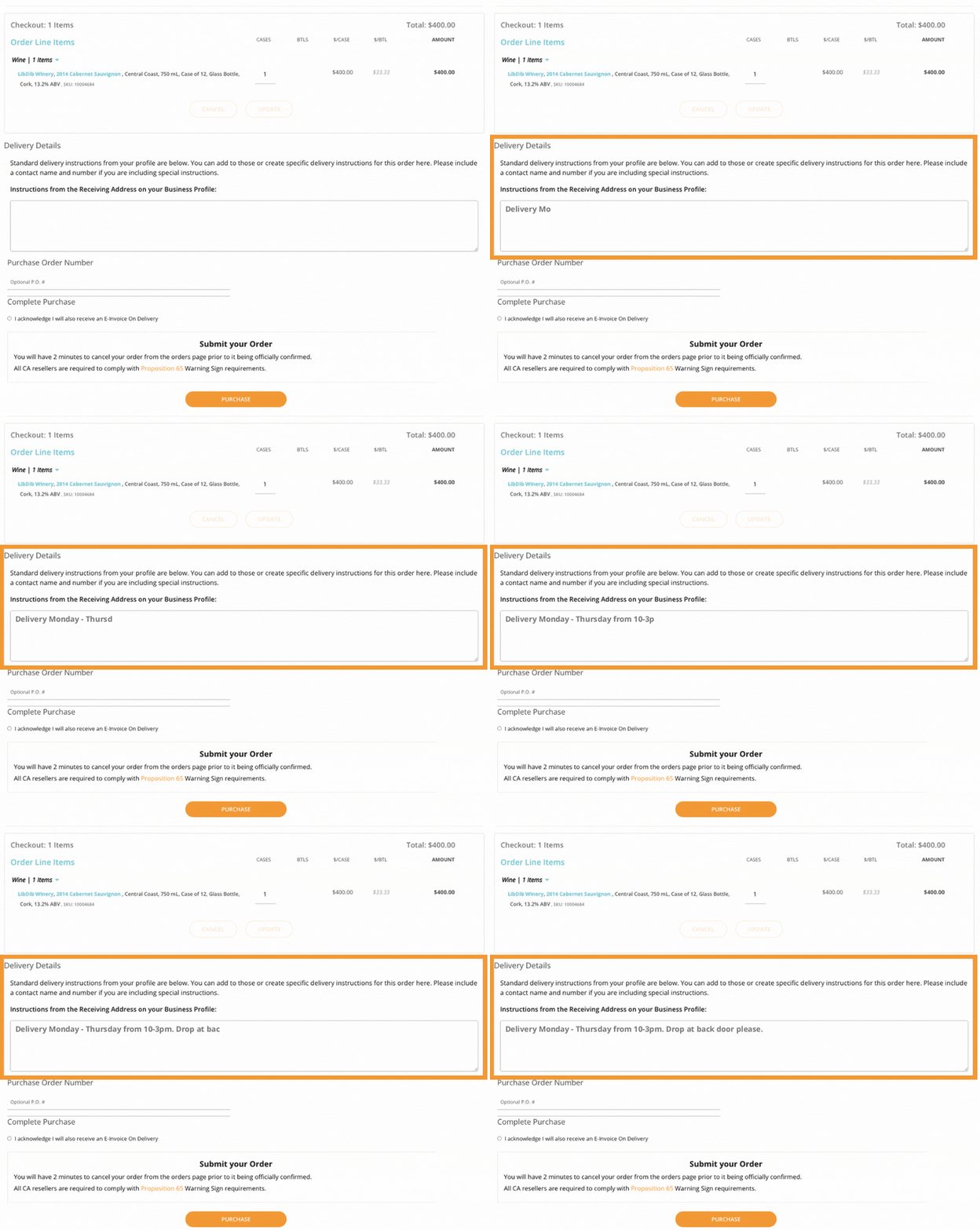
Add Order specific delivery instructions when placing your order.
- Just enter specific instructions on the Checkout page
- Fill in any other information you would like
- Press PURCHASE
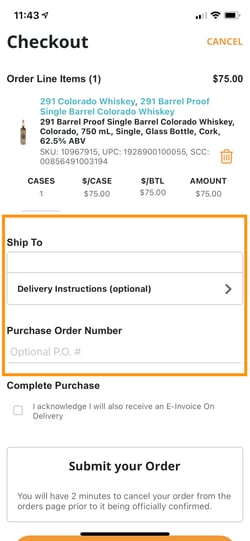
As well as, on the checkout page on the mobile app.
- Just enter specific instructions on the Checkout page
- Fill in any other information you would like
- Press PURCHASE