![LibDib-Logo-White.png]](https://help.libdib.com/hs-fs/hubfs/LibDib-Logo-White.png?height=50&name=LibDib-Logo-White.png)
From within the mobile app (download LibDib Mobile here), Buyers can:
- Click "GET STARTED"
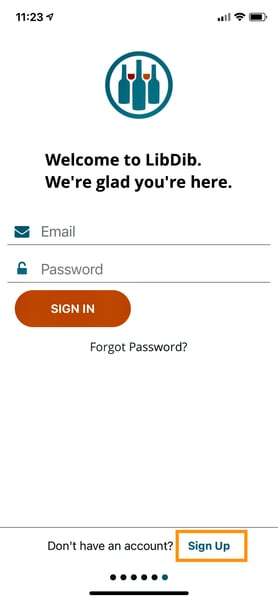
- Click “Sign Up” at the bottom right of the screen to quickly set up an account
- Enter in some basic info and start shopping
- If you have an existing LibDib account click "SIGN IN"