![LibDib-Logo-White.png]](https://help.libdib.com/hs-fs/hubfs/LibDib-Logo-White.png?height=50&name=LibDib-Logo-White.png)
Notification Preferences
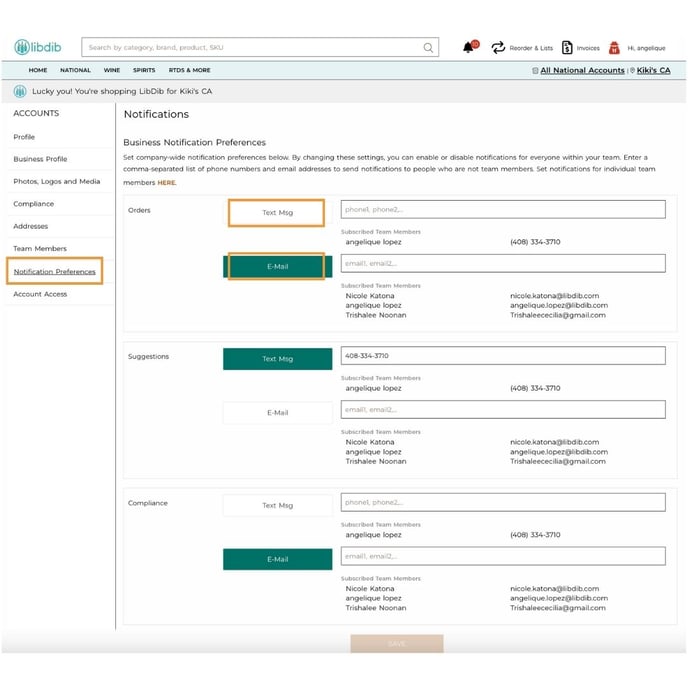
- Go to MY PROFILE
- Notification Preferences
- Opt in for SMS updates and email updates
Add Team Members
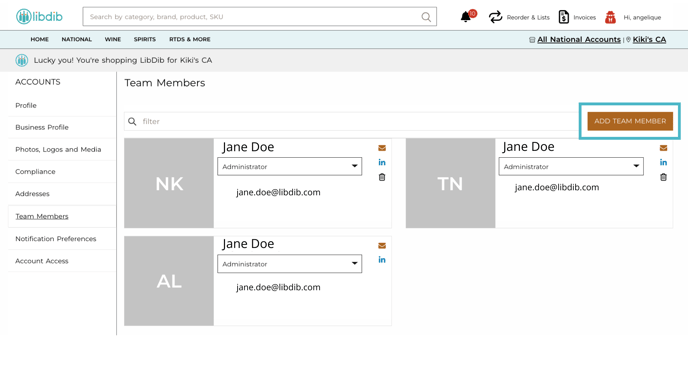
- Click Team Members
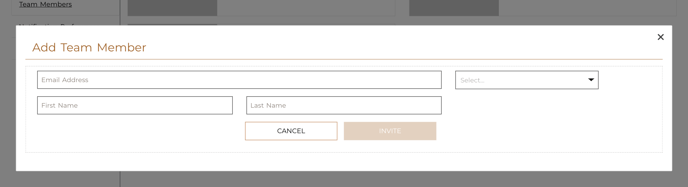
- Fill in the required information
- Select a role
- Press INVITE
For more help, reach out to buyers@libdib.com.